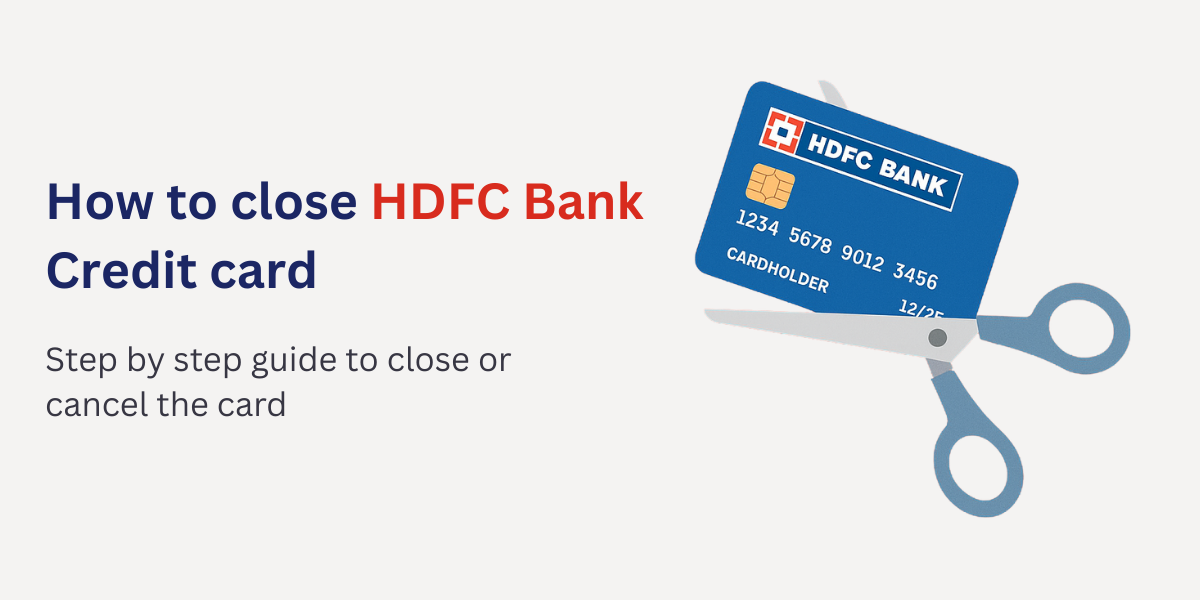
If you’re an HDFC Bank credit card holder but no longer wish to continue with it, you might be wondering how to close HDFC credit card in a smooth and hassle-free way. Whether you want to switch to another card, reduce the number of active credit accounts, or simply don’t find the card useful anymore, knowing the steps to close HDFC credit card—both online and offline—is essential.
In this guide, we’ll walk you through:
- Things to keep in mind before cancelling your HDFC credit card
- How to close HDFC credit card by net banking (online method)
- Offline methods to cancel HDFC credit card
- FAQs on card closure
Let’s get started.
ALSO READ: Amazon Pay ICICI Credit Card
Why Should You Close an HDFC Credit Card?
There are multiple reasons why cardholders decide to cancel or close their credit card:
- Annual Fee or Charges – Some HDFC cards come with an annual fee that may not justify the benefits.
- Multiple Credit Cards – Too many cards can affect your credit management.
- Low Usage – If you rarely use the card, it may make sense to close it.
- Better Alternatives – You may want to shift to another HDFC credit card or a different bank’s offering with better rewards.
- Debt Management – Cancelling unused cards may help you manage finances better.
Important Things to Check Before Cancelling HDFC Credit Card
Before you go ahead with the closure process, make sure to check the following:
- Clear All Dues – Ensure there are no outstanding balances, EMIs, or pending charges.
- Redeem Reward Points – Any unused reward points will be forfeited after closure.
- Cancel Auto-Payments – If you have linked your HDFC credit card for utility bills, OTT subscriptions, or EMI payments, remove them to avoid failed transactions.
- Check Credit Score Impact – Closing a card may impact your credit utilization ratio and score. If it’s your oldest card, consider this carefully.
- Download Statements – Keep past statements for your financial records.
Once you’re ready, let’s look at the exact steps to close HDFC credit card.
ALSO READ: What is credit card?
How To Close HDFC Credit Card by Net Banking (Online Method)
The easiest way is to use HDFC NetBanking. If you’re already registered, follow these steps:
Steps to Close HDFC Credit Card by Net Banking
- Log in to HDFC NetBanking – Go to HDFC NetBanking login.
- Go to Credit Cards Section – Once logged in, navigate to the Cards tab.
- Select Your Credit Card – Choose the card you want to close.
- Request for Closure – Look for the “Credit Card Closure Request” option.
- Submit the Request – Confirm the closure request. You’ll receive an acknowledgment.
After submitting, HDFC Bank usually processes the closure request within 7 working days, provided there are no outstanding dues. You’ll get a confirmation SMS or email once it’s closed.
How to Close HDFC Credit Card Offline
If you prefer not to use NetBanking, there are several offline options available.
1. Through Customer Care
- Call HDFC Bank’s credit card customer care number (available on their website).
- Request card cancellation and verify your details.
- The executive will guide you through the process.
2. By Visiting HDFC Branch
- Visit your nearest HDFC Bank branch.
- Ask for a Credit Card Closure Form.
- Fill it with necessary details (card number, personal info, reason for closure).
- Submit it along with your ID proof.
3. By Sending an Email/Letter
- You can write to HDFC Bank at their official email ID or by sending a written request to:
Manager, HDFC Bank Cards Division,
P.O. Box No. 8654,
Thiruvanmiyur, Chennai – 600041 - Make sure to mention your card details, registered contact number, and attach ID proof.
Steps After Closing Your HDFC Credit Card
Once you’ve placed the request, here are the final things to do:
- Destroy the Card – Cut your HDFC credit card diagonally into two pieces (chip and magnetic strip should be cut).
- Check Final Statement – Ensure there are no hidden charges or pending payments.
- Get Written Confirmation – Always keep the closure confirmation email or letter from HDFC.
- Monitor Credit Score – After a few weeks, check your CIBIL or Experian report to ensure the card is marked as “Closed” and not “Settled.”
Common FAQs on Closing HDFC Credit Card
1. Can I close my HDFC credit card online?
Yes, you can close your HDFC credit card by NetBanking or by writing to customer care.
2. How long does it take to close an HDFC credit card?
Usually, it takes 7 working days after you submit the request and clear all dues.
3. Will my credit score drop after closing the card?
Closing a card may slightly affect your credit score, especially if it was your oldest card. However, if managed properly, the impact is minimal.
4. What happens to my reward points after closure?
All unused reward points get forfeited. Always redeem them before requesting closure.
5. Can I reapply for an HDFC credit card later?
Yes, you can always apply for a new HDFC credit card in the future.
Final Thoughts
Cancelling a credit card is a personal decision based on your financial goals and usage. Now that you know how to close HDFC credit card by NetBanking, as well as the offline closure process, you can make the right choice.
Just remember to redeem your reward points, clear all dues, and cancel auto-payments before initiating the process. Once closed, keep track of your credit report to ensure everything is updated.
Whether you choose the online method through HDFC NetBanking or go for offline closure via branch, customer care, or written request, the process is simple and straightforward.
So, if you no longer need your card, follow these steps today and close your HDFC credit card securely.